
We’re excited to announce a major update to MemberPress WooCommerce Plus, bringing powerful new tools that make managing memberships and revenue from WooCommerce purchases easier and more transparent than ever.
This update focuses on what matters most to membership site owners: revenue visibility, flexibility, reliability, and automation.
Let’s dive into the new features.
📊 New Dashboard with Revenue Insights
You asked for better visibility into how your membership sales are performing — so we built it.
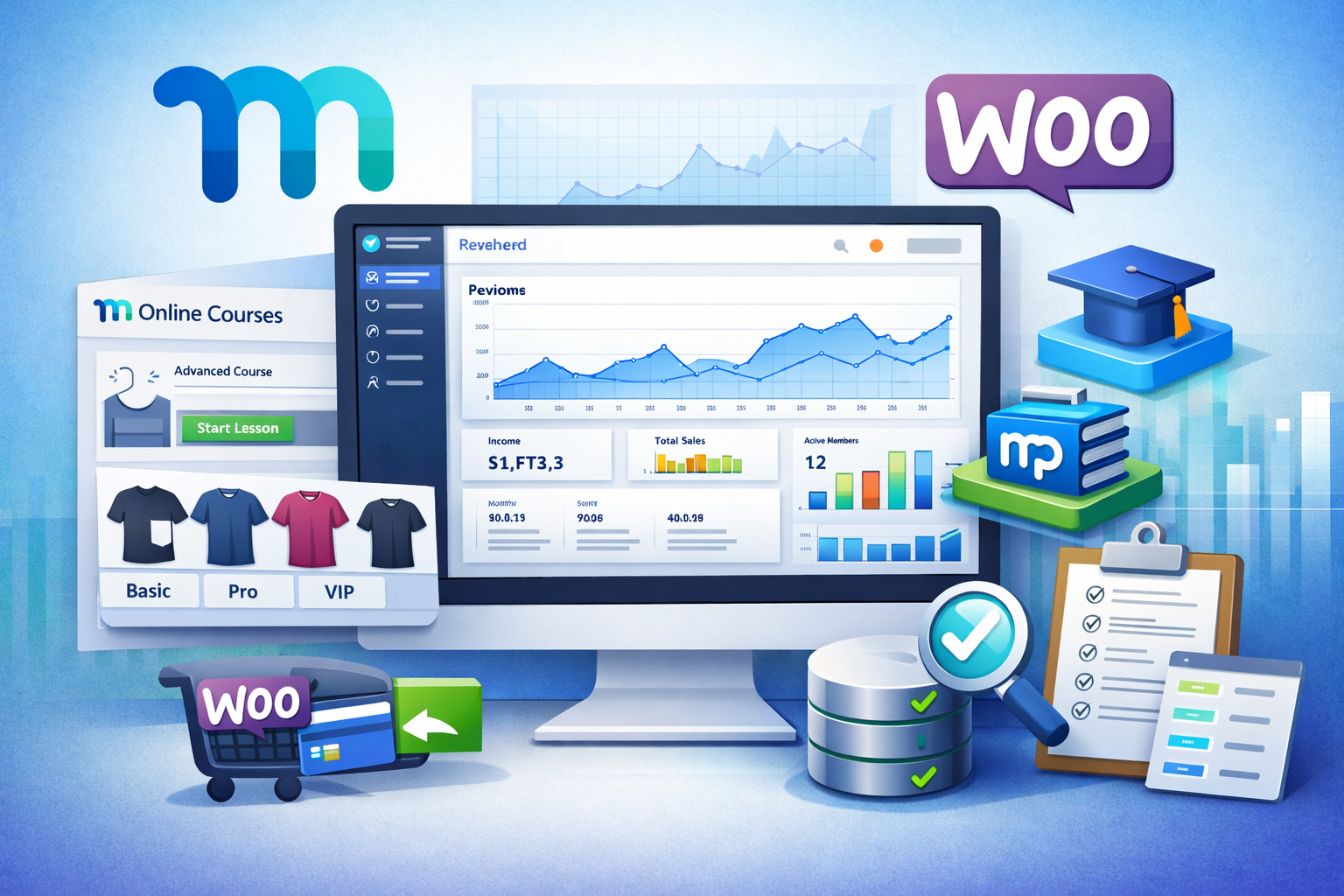
The new Dashboard gives you a quick overview of your plugin activity and membership revenue directly inside WordPress.
Now you can easily see:
-
Membership income trends
-
Graphs showing performance over time
-
Key activity metrics related to membership assignments
-
Quick insights without exporting reports
Instead of digging through orders and memberships, you now get instant insight into how your membership products are performing.
🛍 Variable Product Support (Highly Requested!)
One of the most requested features is finally here.
You can now assign different MemberPress memberships to each WooCommerce product variation.
Example use cases:
-
A course with Basic / Pro / VIP tiers
-
Physical product bundles with different membership access levels
-
Membership access based on size, package, or version
Each variation can now trigger a different membership product automatically, giving you far more flexibility when structuring offers.
🎓 Full Support for LearnDash & MemberPress Courses
If you’re selling courses with WooCommerce, this update is a game changer.
The plugin now provides full support for LearnDash and MemberPress Courses, making it easier to connect:
WooCommerce purchases → Membership access → Course enrollment.
This means you can:
-
Sell courses via WooCommerce
-
Automatically grant access through MemberPress
-
Deliver the course through LearnDash or MemberPress Courses
Everything works together seamlessly.
🔄 Process Past Orders Automatically
Payments don’t always go perfectly.
Sometimes a payment gateway hiccup can cause a situation where:
-
The WooCommerce order completed
-
But the membership was not assigned
Now you can fix that instantly.
With the new Process Past Orders tool you can:
-
Scan previous orders
-
Detect missing membership assignments
-
Automatically correct them
This prevents customer frustration and protects your revenue.
📜 New Activity Log for Full Transparency
Ever wondered what happens behind the scenes?
The new Activity Log tab records everything the plugin does.
You can now see:
-
When memberships are assigned
-
Which orders triggered actions
-
Background processes and sync events
-
Troubleshooting information
This makes debugging and support much easier and faster.
Built for Membership Businesses
This update continues our mission to make WooCommerce + MemberPress integrations powerful, reliable, and revenue-focused.
With the new release you get:
✔ Revenue dashboard with graphs
✔ Variable product membership assignments
✔ LearnDash & MemberPress Courses compatibility
✔ Recovery for missed membership assignments
✔ Complete activity logging and transparency
Update Today
If you’re already using MemberPress WooCommerce Plus, update now to start using these new features.
If you’re selling memberships through WooCommerce and want deeper integration with MemberPress, this plugin was built exactly for that.
👉 Get the plugin here:
https://happyplugins.com/downloads/memberpress-woocommerce-plus/
Add your opinion to the discussion